From a date in the diary to a live leaderboard.
Setting up the first event takes a few minutes. Every one after that starts from the members and the settings you already have, so the second society day is a two-minute job.
- 01
Create your society
Name it, add your members or invite them with a link, and you have a home for every event you run from here on.
- 02
Set up the event
Course, date, format, competition settings and entry fee. Multi-round trips and season events are the same flow.
- 03
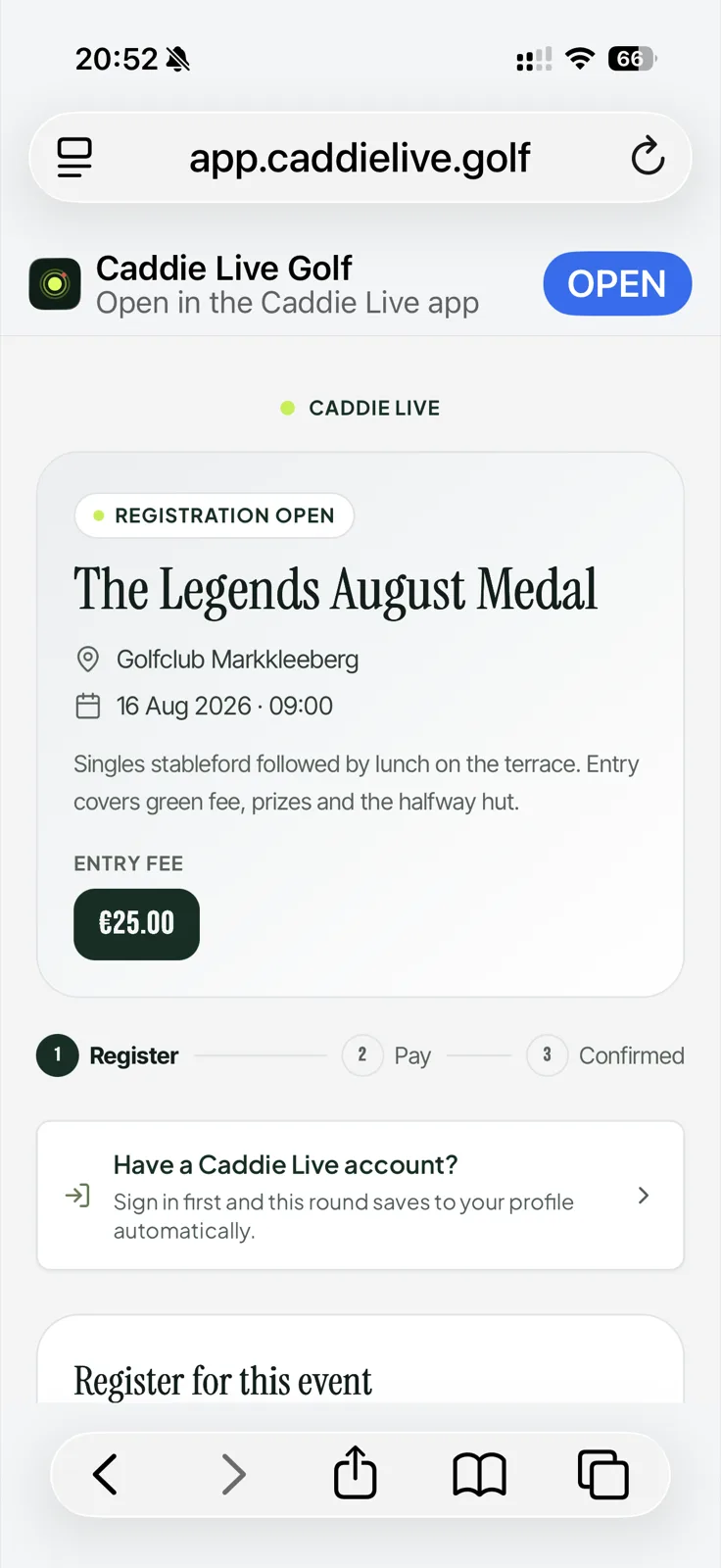
Share one link
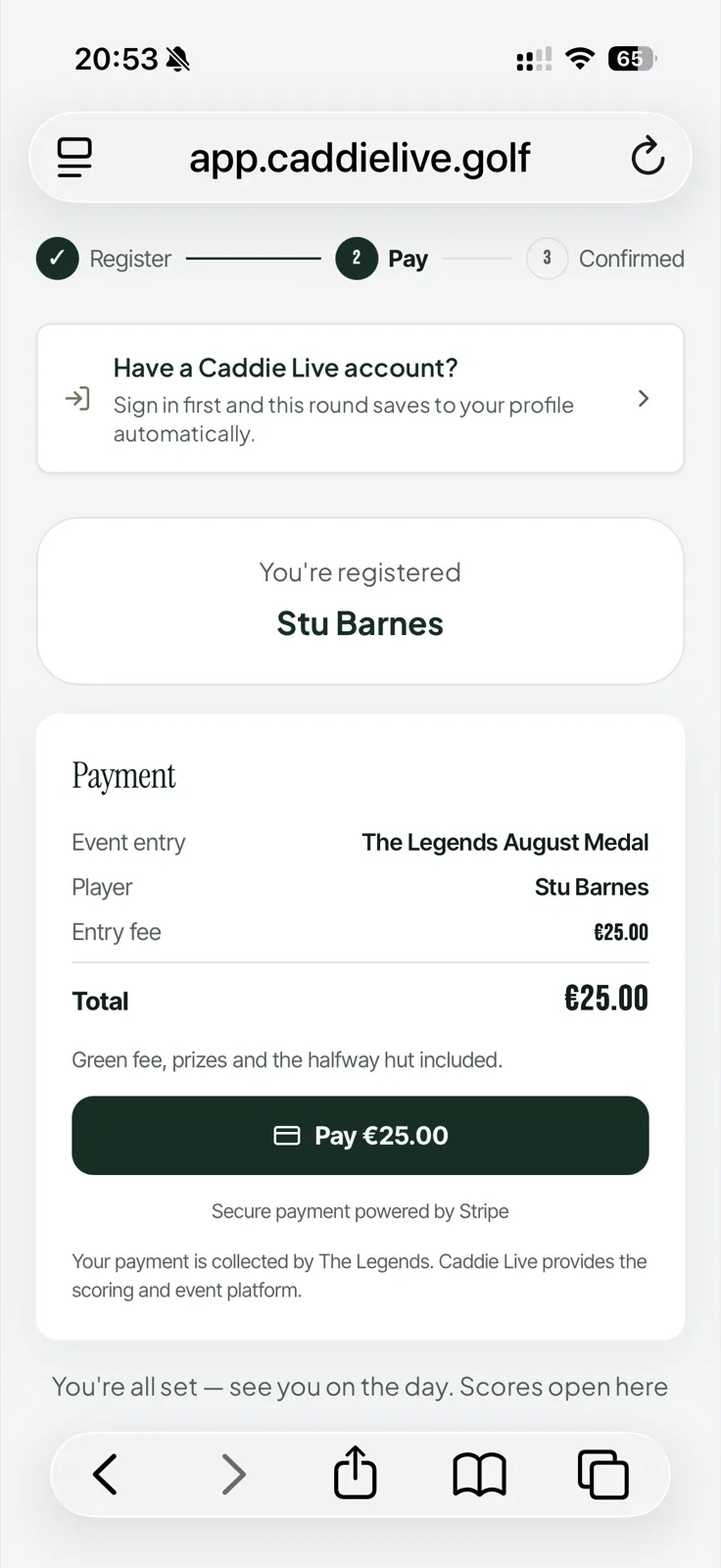
Players register themselves, pay the entry fee and appear on your roster. Groups and start sheets build from there.
- 04
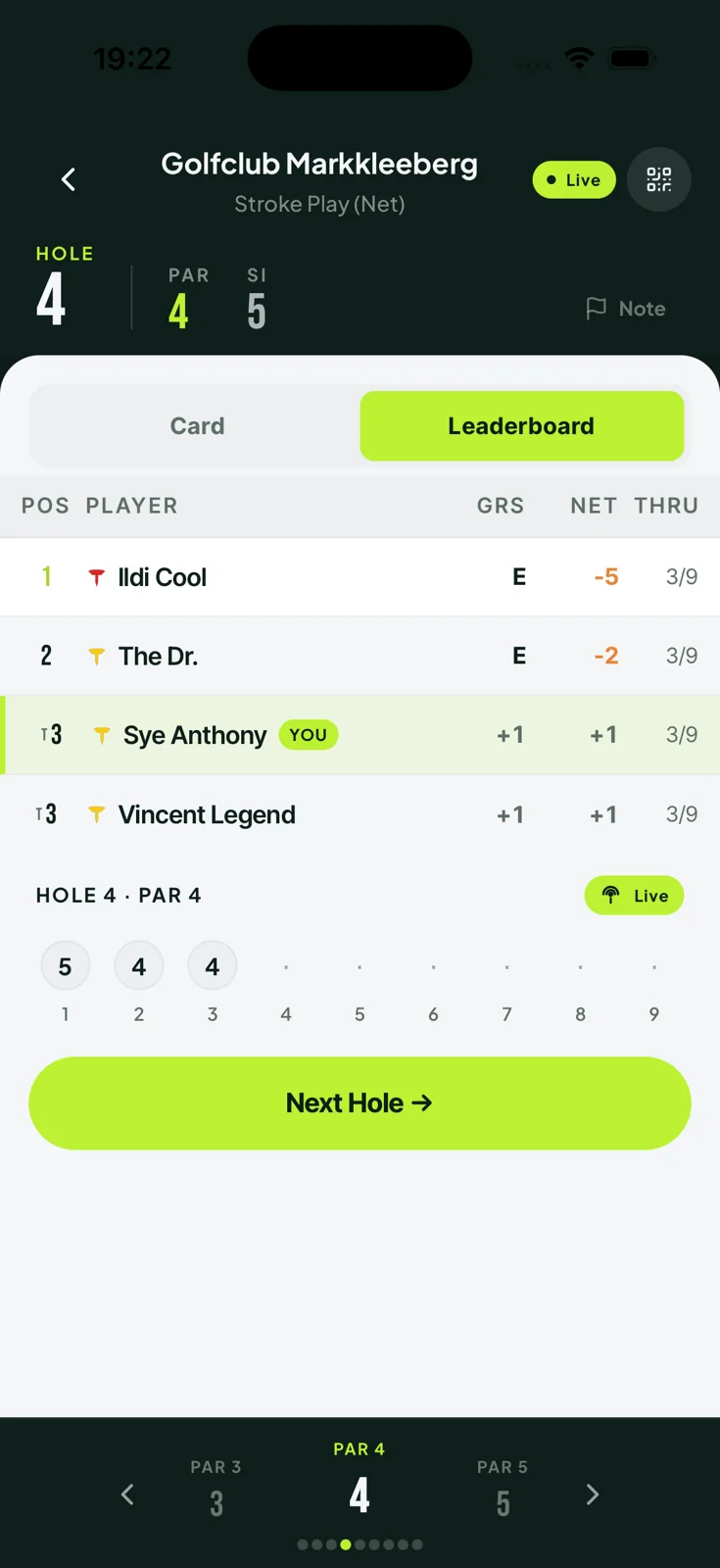
Score it live
Every group scores from a phone. The leaderboard runs live on mobile and on the clubhouse screen, and the season table updates itself.
They tap a link. That is the whole ask.
No app to install and no account to create. Players open the link you share, put their name to a slot, pay if there is an entry fee, and score from their phone on the day.
A society trip is the same four steps, twice over.
Several rounds across several days, a different format in each, and one overall competition on top. Groups, payments and the running order all live in the same event — so a Ryder Cup-style weekend is set up once, not re-typed every morning.
Your next society day without the spreadsheet
Create your society, set up the first event and share one link. It takes a few minutes, and it is free while we are in beta.